Scallop Walks Through Multisig Accounts in Scallop Wallet, Live Since October 28
On November 18, Scallop published a setup video for Multisig Accounts in Scallop Wallet, a feature it launched on October 28. A Multisig Account is a new two-key account — a Google or Apple sign-in plus a second key — and either key can sign on its own. Scallop says that stops a lockout, not theft.
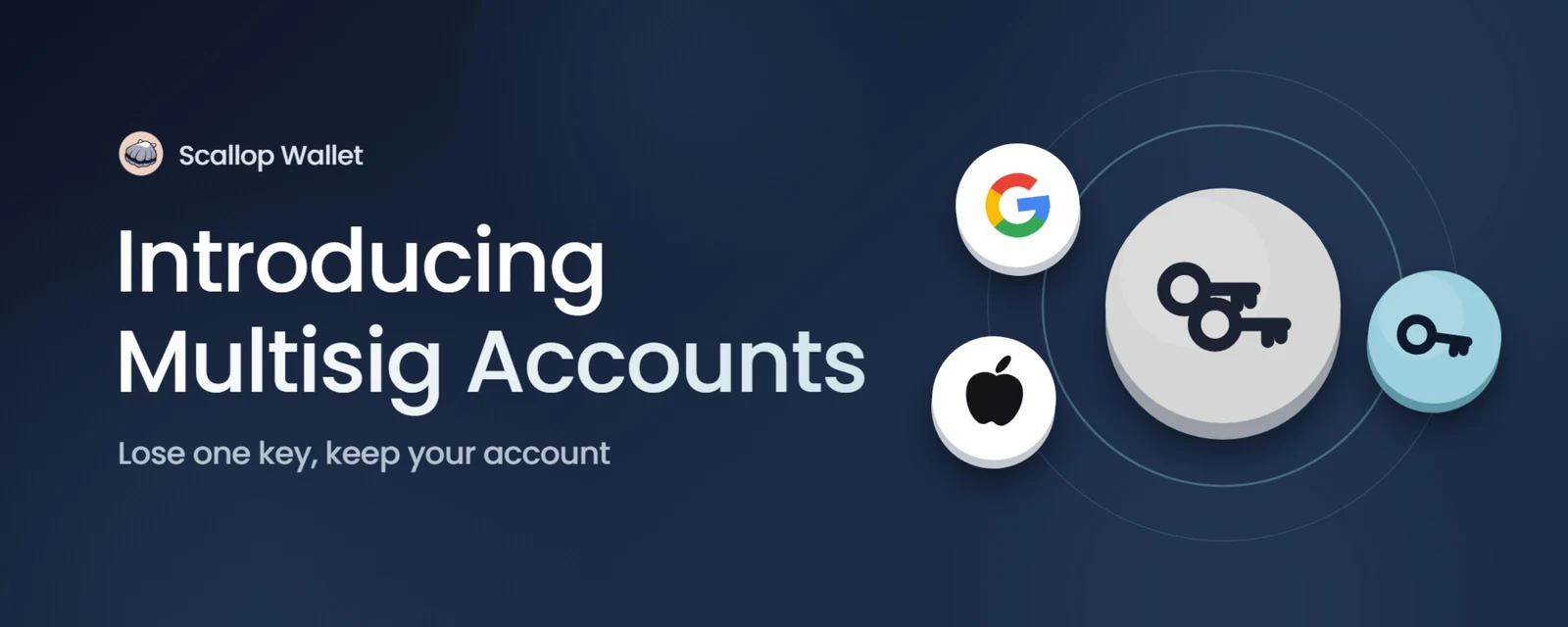
On November 18, Scallop published a setup video for Multisig Accounts in Scallop Wallet, the self-custodial Chrome extension from the Sui lending protocol. The feature went live on October 28. A Multisig Account is a new account with two keys: the user's Google or Apple sign-in, and a second key, which can be a recovery phrase, a private key, or a Ledger already in the wallet. Either key can sign on its own, so losing access to one still leaves the other.
Watch Scallop's setup walkthrough
How a Multisig Account works
The account gets its own address, separate from the Google or Apple wallet it is created from. It starts empty. Scallop's official screens show that the original wallet and its funds remain unchanged, and that nothing moves on its own.
The first key is the Google or Apple sign-in. Scallop Wallet's Chrome Web Store listing says those sign-ins derive a wallet through Sui's zkLogin, with no recovery phrase to keep for that login. The second key is a recovery phrase, a private key, or a Ledger in the same wallet. Scallop calls a Ledger the safest second key.
Every send, swap, or site request asks which key to sign with. The next request starts on the key used last. If the second key is a Ledger, the user confirms on the device. Connected sites do not see the user's email, only the account's name, such as "Multisig 1."
What it does not do
Scallop says a Multisig Account stops a user from being locked out. It does not stop theft, because either key can move the funds. If both keys are lost, the funds are gone. The second key cannot be changed later; a user who wants a different backup has to create a new Multisig Account.
When the account is created, the wallet generates a recovery code. That code cannot move funds, but Scallop says it should be kept private because it shows which keys own the account. Users are told never to restore a recovery code someone else sends them, and only to restore their own account. The account can also be restored by address, but only if it has sent at least one transaction; receiving funds does not count. Multisig accounts from other wallets cannot be restored yet.
A user can remove one key and keep using the account with the other, then add the missing key back later. On a new device, restore takes the recovery code (or, when eligible, the address) and then one of the two keys: a Google sign-in or the second key. If neither key is in the wallet, the account can be viewed but cannot sign until one is added.
How to set one up
Scallop's guide starts from a Google account's Account Details in Settings. The user opens Create a Multisig Account, chooses an existing wallet as the second key or adds a new one, then saves the recovery code. The official screens mark the setup as recommended. Scallop says no password is needed to create the account.
The new account has to be funded separately. Users can find their Multisig Accounts under the Google account's Account Details, or under Multisig in Manage Accounts.
Scallop Wallet is still listed as early access and "has not been independently audited," according to its Chrome Web Store listing, which showed version 1.12.2, last updated November 17, at the time of writing. The official download is the Chrome Web Store listing.
Sources
- #Scallop
- #Scallop Wallet
- #wallets
- #multisig
Projects in this story

Related
 Image: Scallop
Scallop Launches Scallop Wallet, a Self-Custodial Sui Browser Wallet
The Sui lending protocol's new Chrome extension combines swaps, fiat on-ramp, lending-rate comparison and Scallop position tracking. Scallop says it is in early access and has not been independently audited.
Yosuku Launches Copy Trading on Sui, Letting Bots Follow or Bet Against Other Traders
Yosuku, a Bitcoin prediction market on Sui's DeepBook Predict, now shows who is in each round and how often they are right. With one tap, a user's bot can follow a person or another bot. Users can also bet against them, all inside a spending limit they set.
Hashi Is Live on Sui Mainnet With 14.43 BTC in Reserve, Before Any Official Launch Announcement
Hashi's official app now opens on Sui mainnet and takes real bitcoin deposits. Onchain, 14.43 hBTC is in circulation, backed one to one by 14.43 BTC in reserve. Sui and Mysten Labs have not announced the launch.